

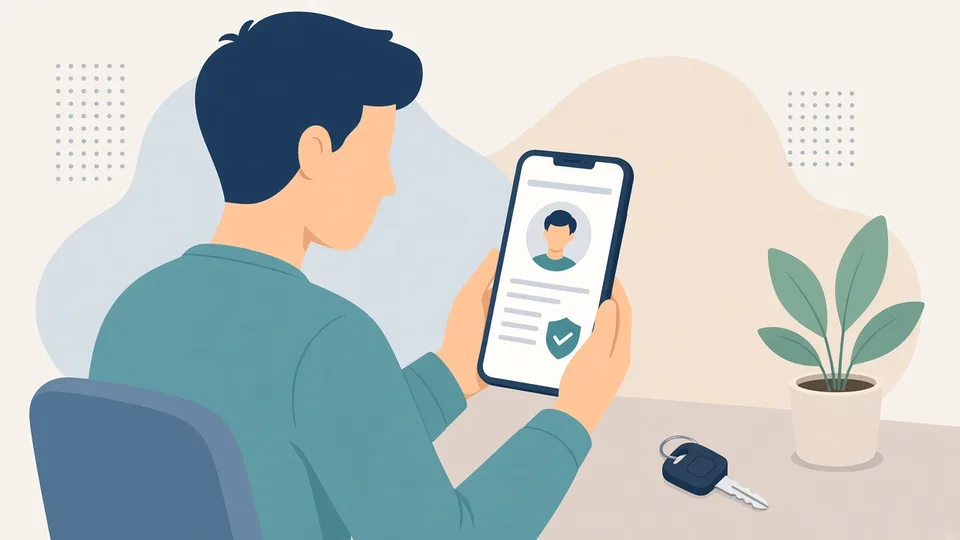
Read to the end and see if you can carry your license on your phone.
In a growing number of US states, your driver’s license can live in your phone’s wallet. But it depends entirely on where you live, and a digital license does not replace the card everywhere. Here is what to know before you try.
Free guide · about 4 min read
Check whether your state offers a mobile driver’s license
See if your state offers itTapping the button keeps you on this same site.
✔ No sign-up✔ We do not ask for your personal details✔ Independent guide, not a government site
What a mobile driver’s license is
A mobile driver’s license (mDL) is a digital version of your state license or ID. You usually add it by scanning your physical card and verifying your identity in Apple Wallet, Google Wallet, Samsung Wallet or a state app.
Each state decides which wallets and apps it supports, so a state can be available on iPhone but not on Android, or the reverse.
Choosing the right wallet
Your options depend on your phone and your state. Hawaii, Illinois and Oklahoma currently work with Apple Wallet only, according to TSA’s list, while California supports its own DMV app plus Apple Wallet and Google Wallet. Several states, such as New York, Kentucky and Louisiana, use only their own state app.
Before you start, check which wallet your state supports and what your phone needs. Your state agency’s page will list the steps.
If you switch phones later, check how your state handles moving the ID, since you may need to verify your identity again.
Where you can use it
The TSA accepts mobile IDs from participating states at more than 250 airport checkpoints. Outside the airport, it works only where the business or agency chooses to accept it.
Limits to know first
- Keep your physical ID. TSA tells travelers to always carry one.
- It must be REAL ID-based to be accepted by TSA.
- Not every state offers it. If yours is not on the official list, you cannot add your license yet.
- Rules change. TSA has said it will stop accepting Utah’s mDL on January 1, 2027 and West Virginia’s on May 4, 2027.
Protecting your identity
Your license is one of your most sensitive documents. If you add it to your phone, lock the phone and use your biometric unlock, such as Face ID or a fingerprint.
At a TSA checkpoint, TSA says it sees only the necessary information to verify your identity. Avoid handing an unlocked phone to anyone.
Other documents your phone can hold
Some states let you show proof of insurance electronically. For example, Ohio law allows proof of auto insurance on a phone, including an insurer’s digital card. Rules vary by state, so check yours.
If you need car insurance quotes, having your license details and vehicle information ready makes comparing offers faster.
Costs that still apply
A digital license does not change what you pay to get or renew a license, and it does not replace your insurance. Fees differ by state, so check your agency’s website.
If you are buying a car, the Consumer Financial Protection Bureau suggests getting preapproved for an auto loan before you go to a dealer, so you can compare financing offers.
Mistakes to avoid
- Leaving your card at home. TSA says to always carry a physical ID.
- Assuming it works everywhere. Outside airports, acceptance depends on the business or agency.
- Using a non-REAL ID card. For TSA, the mobile ID must be based on a REAL ID-compliant or Enhanced card.
- Trusting unofficial apps. Add your license only through your state’s agency, Apple, Google or Samsung, never through a site that asks you to upload your card.
When in doubt, start from your state agency’s .gov website.
Where to start
Check the official TSA list for your state, then follow your state agency’s instructions to add your license. The guide lists the states and wallets and shows how to add yours. The sections above on pay, insurance and financing are general background with linked sources. The guide focuses on the program or test details.
Independent informational content, updated November 23, 2026. This site is not official and is not affiliated with TSA, Apple, Google, Samsung or any state agency. We do not sell services or promise approval, funding or results. Rules, fees and deadlines can change: always confirm on the official sources.